Recording Express Online
Centralized electronic recording management for multi-office operations.
Centralized Recording for Multi-Office Teams
Recording Express Online provides a web-based interface for centralized recording desks managing submissions across multiple offices, locations, and counties. All the features of Recording Express - same-day turnaround, pre-submission validation, Operating System integration - accessible from any browser, with no software installation and no per-seat licensing to manage.
It's also a convenient option for anyone who needs to record one or a few documents without maintaining full recording infrastructure - real estate attorneys handling occasional closings, small title operations with limited volume, or property investors recording deeds for an acquisition or refinance. Log in, upload your documents, select a county, pay fees, and track status - all from a browser.
- Web-based access for centralized recording desks
- Manage submissions across multiple offices and counties
- Same-day recording turnaround in most counties
- Pre-submission validation reduces rejections by 60%
- Full Operating System integration - no re-keying
- Real-time status tracking and email notifications
fewer recording rejections with pre-submission validation
Need Help?
DSI's support team assists with county requirements, submission procedures, and technical issues.
Email: Info@DSIpro.com
Phone: 520-618-7411
Monday - Friday, 7 AM – 5 PM MST
How Recording Express Online Works
Upload Documents
Log in from any browser and upload deeds, mortgages, releases, or any recordable instrument as a PDF. Submit packages with multiple related documents in a single transaction.
Select County & Document Type
Choose the recording county and document type. Recording Express Online displays current fee schedules and calculates total recording costs up front - no surprises.
Enter Property Information
Provide parcel number, legal description, property address, and grantor/grantee names through county-specific forms. Entries auto-save, and templates speed up repeat recordings at the same property.
Pay Recording Fees
Pay county fees securely by credit card or ACH through PCI-compliant, encrypted payment processing. Pre-funded accounts are available for repeat users.
Submit & Track
Documents submit electronically to the county recorder. Track status in real time - submitted, accepted, recorded, ready for download - with email notifications at each milestone.
Download Recorded Documents
Once recorded, download official stamped copies individually, as a batch, or by email delivery. Documents remain available in your account for 90 days.
Who Uses Recording Express Online?
Recording Express Online scales down as easily as it scales up - suited to a centralized recording desk managing dozens of offices, or a single user who records only occasionally.
Real Estate Attorneys
Handle occasional closings without maintaining high-volume recording infrastructure. Fast turnaround meets closing deadlines, and every submission carries an audit trail for file documentation.
Small Title Operations
Agencies with limited recording volume get professional eRecording capability without enterprise software costs - and can scale up to full Recording Express desktop integration as volume grows.
Property Investors
Record deeds for acquisitions, sales, or refinancing quickly to perfect title, track multiple properties in one account, and download recorded documents as soon as they're available.
Estate Administrators
Handle straightforward property transfers during estate settlement with fast recording, professional documentation for probate records, and direct control of submission.
Recording Express Online vs. Recording Express (Desktop)
Choose Recording Express Online if:
- You record fewer than 50 documents per month
- You don't run an Operating System or other title production software
- You prefer pay-per-use over a monthly subscription
- You need web access from multiple devices or locations
- You handle one-off transactions or occasional recordings
Choose Recording Express (Desktop) if:
- You record 50+ documents per month
- You run an Operating System and want automated integration
- You operate a centralized recording desk
- You need bulk submission capabilities
- You want documents to file automatically after recording
Compare with Recording Express
Frequently Asked Questions
What types of documents can I record?
Deeds, mortgages, releases, reconveyances, easements, liens, and most other recordable instruments. County-specific document type lists are available in the portal.
How long does recording take?
Most counties record the same day or the next business day. Recording Express Online displays estimated turnaround times for each county before you submit.
What if the county rejects my document?
You'll receive an email notification with the rejection reason. Correct the issue and resubmit - no additional DSI fees, only county recording fees apply.
Can I cancel a submission?
Yes, if the county hasn't started processing. Contact DSI support immediately for assistance with cancellation.
How long are documents available for download?
Recorded documents remain in your account for 90 days. Download and save locally for permanent records.
Do you offer bulk pricing?
Recording Express Online is pay-per-use. For volume users, consider upgrading to Recording Express desktop with a monthly subscription.
Built for Multi-Office Recording Teams
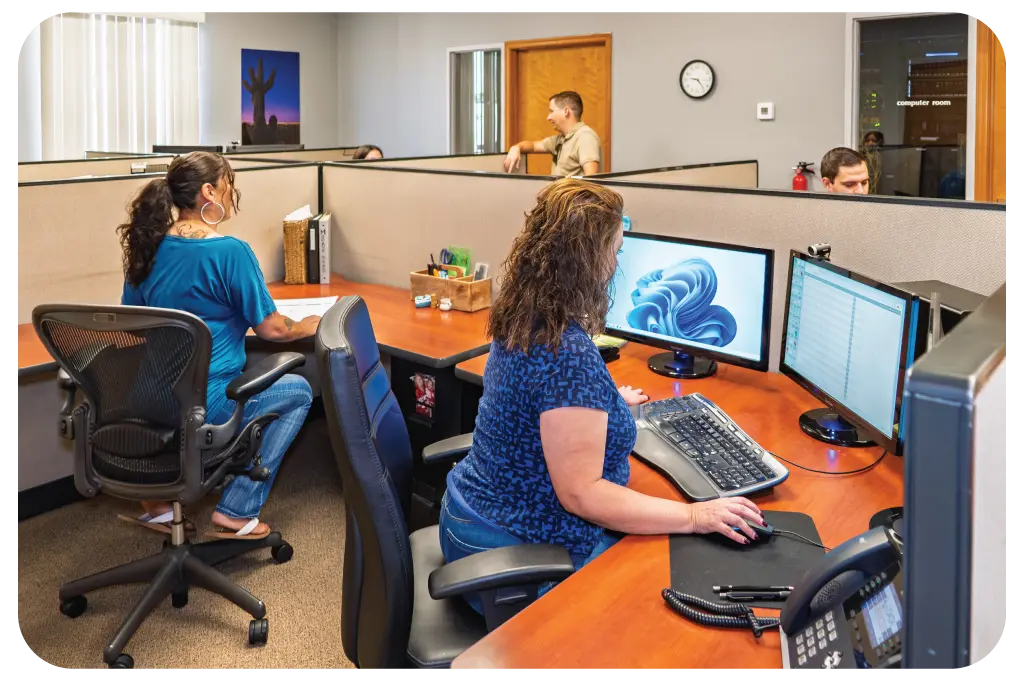
Whether your team submits from a single central desk or coordinates across dozens of offices, Recording Express Online adapts to your workflow. Web-based access means no software installs - your team is up and recording from any browser.
Recording Express Online connects to county recorder offices nationwide that accept electronic recording, and DSI expands county coverage as more jurisdictions adopt eRecording. Built in Tucson since 1985, DSI's own support team - not a call center - stands behind every submission.
Schedule a Demo